The Most Underused Asset in Local Marketing
Most local business owners treat their Google Business Profile the way they treat their boiler — they set it up once, forget about it, and only pay attention when something goes wrong.
That's a significant mistake.
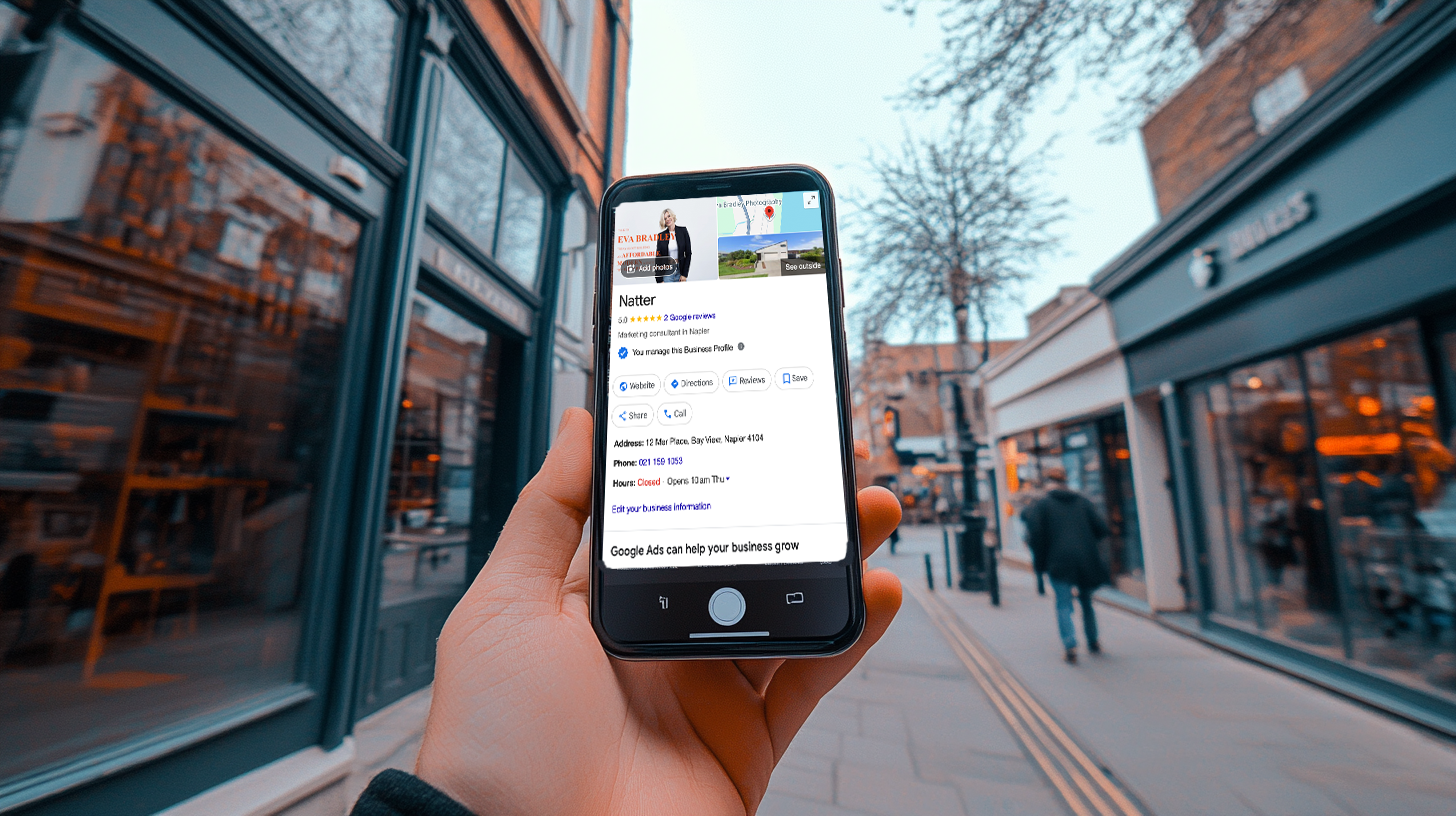
Your Google Business Profile — formerly Google My Business — is the single most powerful free marketing tool available to a local business. It determines whether you appear in the Google Maps top 3 when someone nearby searches for what you do. It controls the first impression a potential customer gets of your business before they've even visited your website. And it's the platform where your Google reviews live — the reviews that influence both your ranking and your conversion rate more than almost any other factor.
Most businesses have a profile. Very few have an optimised one. The gap between the two is worth tens of thousands of pounds a year in missed customers.
Why Your GBP Matters More Than Your Website
Here's something that surprises most business owners when we tell them.
For local search — someone in your town searching for your type of business — your Google Business Profile has more influence over whether you get found than your website does.
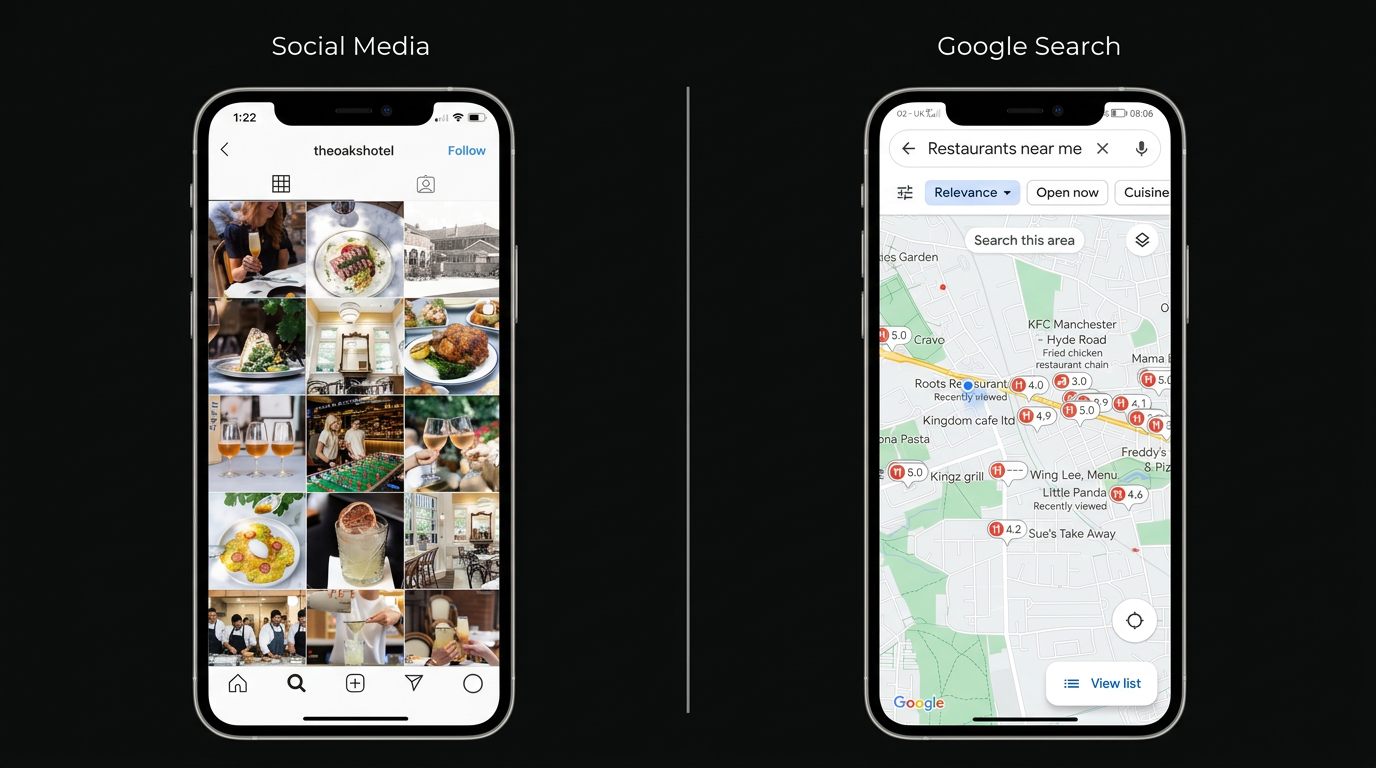
When someone searches "dentist Cardiff" or "plumber near me," the first thing they see isn't a list of websites. It's the Google Maps Pack — three business listings with photos, star ratings, review counts, opening hours, and a click-to-call button. That Map Pack sits above all organic website results and captures nearly half of all clicks on the page.
And yet most local businesses spend the majority of their digital marketing budget on their website and almost nothing on their GBP. The priorities are backwards.
The Eight Areas That Matter Most
1. Business Name, Category and Description
Your business name on your GBP should match your actual trading name exactly. Adding keyword-stuffed descriptions to your business name — "Cardiff Best Plumber — John Smith Plumbing Services" — is against Google's guidelines and can result in your listing being suspended. Use your real name.
Your primary category is one of the most important ranking factors on your entire profile. Google uses it to determine which searches your listing is relevant for. Choose the most specific category that accurately describes your core business. A dental practice should select "Dentist" not "Health and Medical." A kitchen fitter should select "Kitchen Remodeler" not "Contractor."
You can add secondary categories for additional services. A dental practice might add "Cosmetic Dentist" and "Emergency Dental Service" as secondary categories to capture those searches too.
Your business description should be 750 characters of genuinely useful copy — what you do, who you serve, what makes you different, and where you're located. Include your primary keywords naturally. Write it for a human reader, not for an algorithm. The algorithm will take care of itself if the content is accurate and relevant.
2. Address and Service Area
If customers come to your premises — a shop, clinic, restaurant, or studio — make sure your address is pinned accurately on the map. Walk outside and check that the pin is on the right building, not the car park or the building next door. Inaccurate pins erode trust and confuse both customers and Google.
If you serve customers at their location — a plumber, electrician, cleaner, or mobile service — you can set a service area radius instead of or in addition to a physical address. Set this accurately. An inflated service area covering the whole of Wales when you realistically only serve Cardiff and the Vale of Glamorgan will dilute your relevance for local searches and can hurt your ranking.
3. Phone Number and Website
Use a local phone number where possible. A Cardiff business with a Cardiff number ranks better in Cardiff searches than the same business with an 0800 number. It's a local relevance signal.
Your website link should go directly to the most relevant page — usually your homepage, but sometimes a specific service page if the GBP listing is for a particular location or service. Make sure the link is working and loads quickly on mobile.
4. Opening Hours
Keep your opening hours accurate and update them for bank holidays and seasonal variations. Google shows customers when you're open right on the listing. If your listed hours say you're open and you don't answer when a customer calls, that's a trust problem that leads directly to a negative review.
Use the special hours feature for bank holidays. Google will sometimes flag listings with outdated hours and this can negatively impact your ranking.
5. Photos — The Most Neglected Element
Photos have a disproportionate impact on both ranking and conversion and they are consistently the most neglected part of a GBP listing.
Businesses with more than 100 photos on their GBP get significantly more calls and direction requests than businesses with fewer than 10.
What photos should you add:
- •Your exterior — from the street, so customers can find you easily. Multiple angles in different lighting conditions.
- •Your interior — clean, well-lit, showing the space customers will experience. For a restaurant, every room. For a clinic, the reception and treatment areas.
- •Your team — real people, not stock photos. Customers are choosing who to trust with their teeth, their boiler, or their finances. Seeing real faces builds that trust before they've walked in.
- •Your work — before and after photos for trades and aesthetic businesses. Portfolio shots for creative businesses. Food photography for restaurants.
Add photos regularly, not just once at setup. A listing that hasn't had a new photo in 18 months signals to Google that the business may not be active.
6. Google Posts
Google Posts are short updates that appear directly on your listing — similar to social media posts but visible in Google Search and Maps. Most businesses never use them. That's an opportunity.
Post at least once a week. Share offers, new services, seasonal promotions, recent work, or useful tips for your customers. Each post stays visible for seven days before archiving. Regular posting signals to Google that your listing is active and managed, which is a positive ranking signal.
Keep posts short — two or three sentences — with a clear call to action and a link. Use a real photo rather than a stock image wherever possible.
7. Q&A Section
The Q&A section on your GBP allows anyone to ask a question about your business and anyone to answer it. Most businesses don't know it exists. Some businesses have had customers answer questions incorrectly because no one was monitoring the section.
Take control of it. Add the most common questions you get asked — about pricing, parking, what to bring to an appointment, how long jobs take, whether you offer free quotes — and answer them yourself. Pre-populating the Q&A section with accurate information reduces friction for potential customers and signals to Google that your listing is well managed.
Check the section monthly for new questions and answer them promptly.
8. Reviews — The Most Powerful Ranking Factor
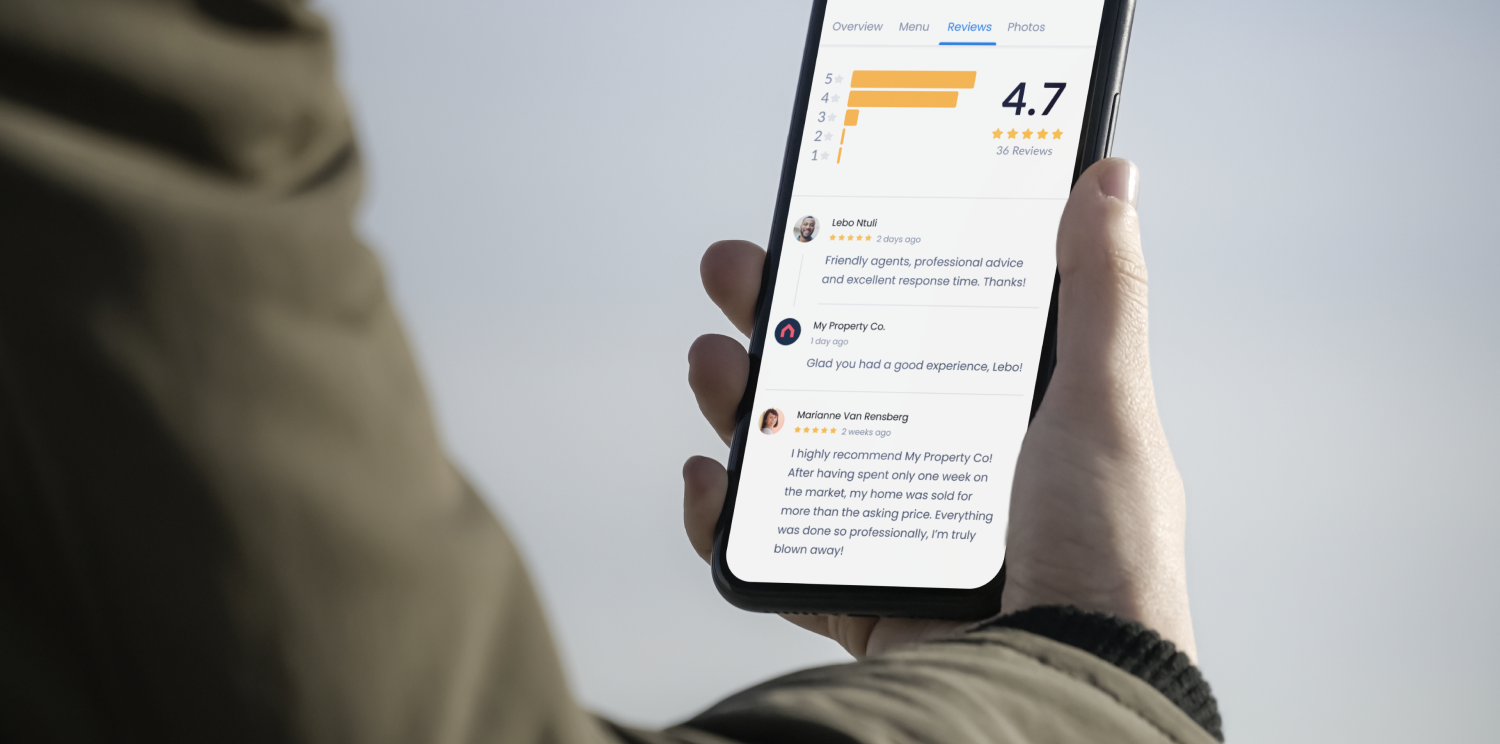
We've covered Google reviews in depth in a separate article, but in the context of GBP optimisation they deserve mention here because they're the single most impactful element of the entire profile.
Review count, recency, and star rating are all ranking signals. A business with 80 recent reviews at 4.7 stars will almost always outrank a business with 12 old reviews at 4.9 stars — because Google interprets the higher volume of recent reviews as evidence of a consistently well-run, active, trusted business.
The Biggest GBP Mistakes We See
After auditing hundreds of local business profiles, the same mistakes appear repeatedly.
- •Duplicate listings. Many businesses have two or three GBP listings — created at different times by different people — and don't know it. Duplicate listings split your review count and confuse Google about which is the authoritative listing. Search for your business name on Google Maps and make sure only one listing appears. If there are duplicates, request removal through Google Business Profile support.
- •Incorrect categories. The primary category is set once at setup and then forgotten. As Google adds new, more specific categories — and it does regularly — your original category choice may no longer be the most relevant option. Review your categories annually and update if a better option has been added.
- •Ignoring the products and services sections. Both sections allow you to list specific offerings with descriptions and prices. Most businesses leave them blank. Filling them out gives Google more data about what you offer and gives customers more reasons to choose you from the listing itself, before they even visit your website.
- •Not verifying new locations. If you open a second location or move premises, a new GBP listing needs to be created and verified. An unverified listing has significantly reduced visibility compared to a verified one.
- •Letting a suspended listing go unaddressed. Google suspends GBP listings for various reasons — guideline violations, suspicious activity, address changes that haven't been verified. A suspended listing is essentially invisible. If your listing has been suspended, the appeal process is straightforward but needs to be actioned promptly.
The Ongoing Maintenance Checklist
A GBP listing is not a set-and-forget asset. It requires regular attention to perform at its best. Here's what to do monthly:
- •Add at least four new photos — exterior, interior, team, or work in progress.
- •Publish two to four Google Posts with updates, offers, or useful content.
- •Check the Q&A section for new questions and answer them.
- •Respond to any new reviews — positive and negative.
- •Verify that opening hours are accurate, including any upcoming bank holidays.
- •Check that your primary category is still the most relevant option.
- •Review your business description for accuracy.
Getting Professional Help
If optimising and managing your GBP feels like one more thing to add to an already full plate, it doesn't have to be.
As part of every package we offer, we set up, optimise, and manage your Google Business Profile from day one. We handle the photo strategy, the posts, the Q&A, the review responses, and the ongoing monitoring. We also run the review automation that builds your review count consistently month after month.
The result is a listing that ranks where your customers are looking, converts the clicks it gets, and compounds in value over time — without you having to think about it.
Want to see what a fully optimised listing could do for your business? Start your free 14-day trial and we'll show you what's possible before you spend a penny.
Start your free trial — no card, no contract, results in 48 hours.